
Here are the steps you need to Install S2Engine FREE:
- Double click on S2Engine_Setup.exe file.
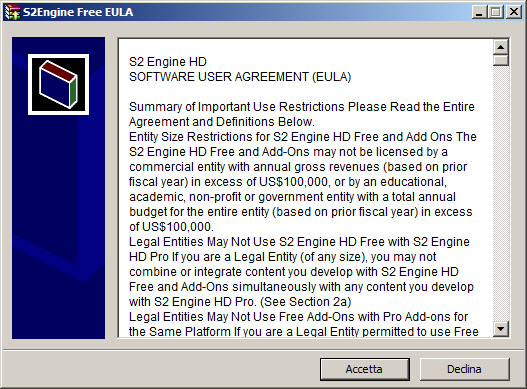
- Accept the S2Engine HD Free End User License Agreement:
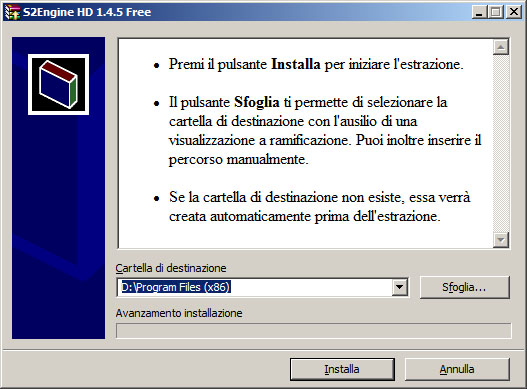
- Choose the destination folder:
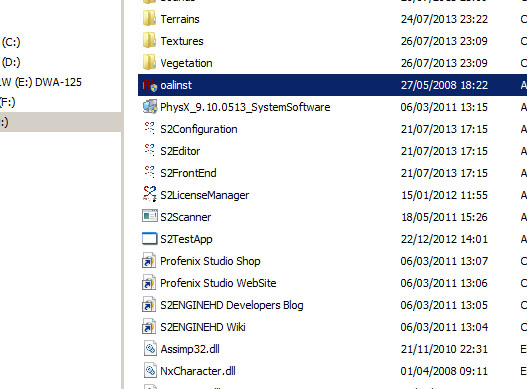
- After the installation goto the S2Engine installed folder and execute OpenAL installer:
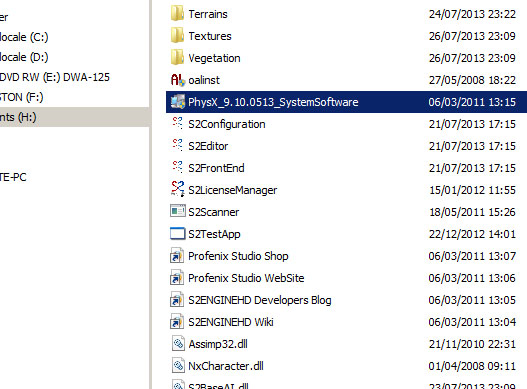
- Then execute the Physx Installer:
- Now you can execute the S2Engine HD editing tool: S2Editor.exe
- Also you could run S2Configuration.exe for choosing the audio device and fullscreen mode: